Home / Digital Camera Files Recovery / Screenshots
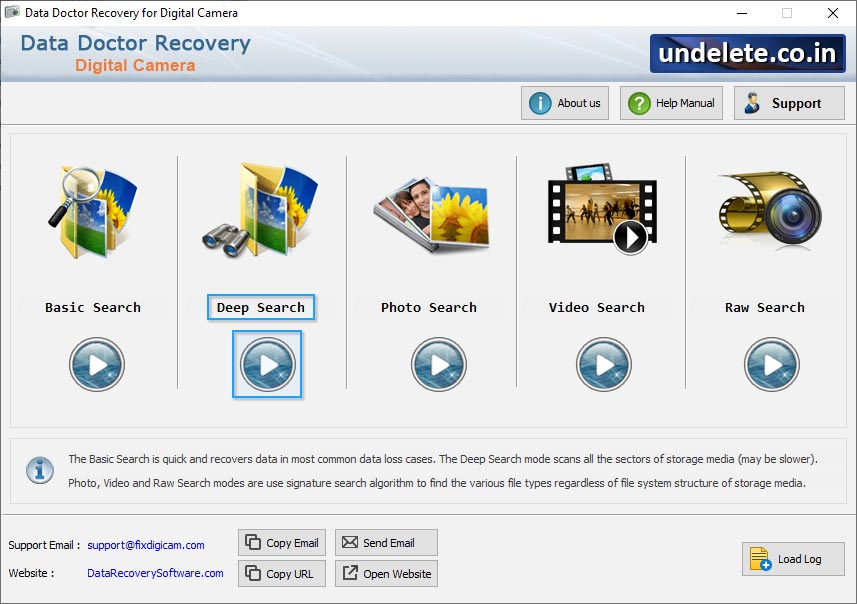
Select wizard mode like Basic search, Deep Search, Photo Search, Signature Search
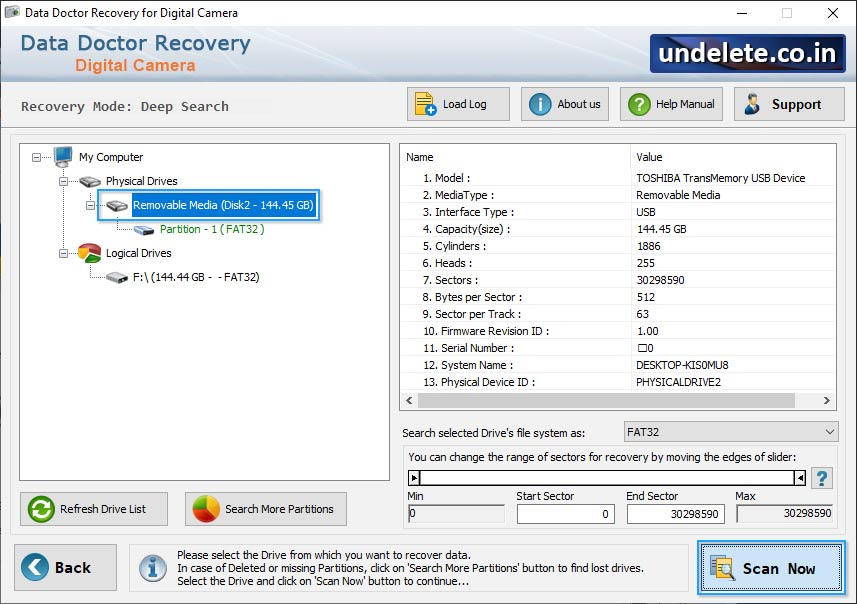
From left panel select folder which displays disk scan result with details at right side.
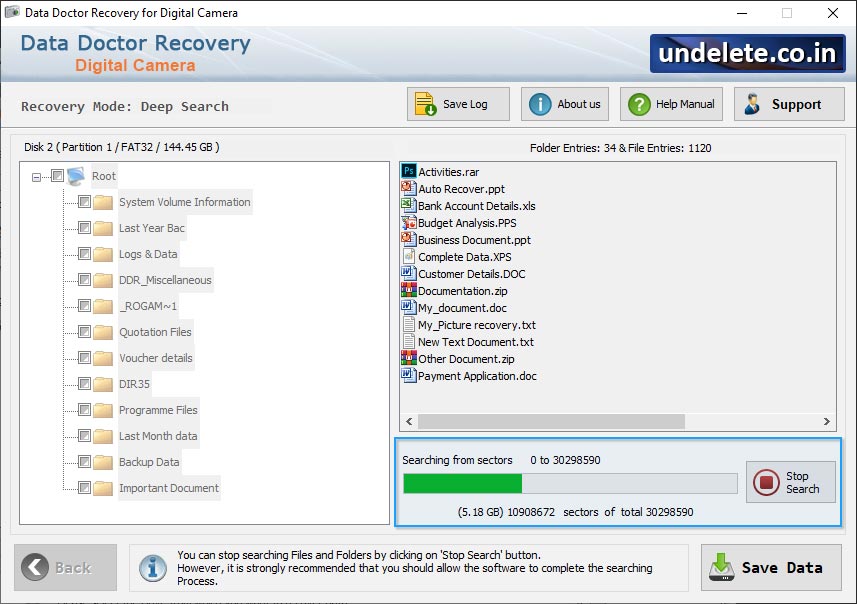
Progress bar displays running status of current disk searching process.
Drive is scanned for the deleted files and folders. You can use 'Stop' button to stop searching.
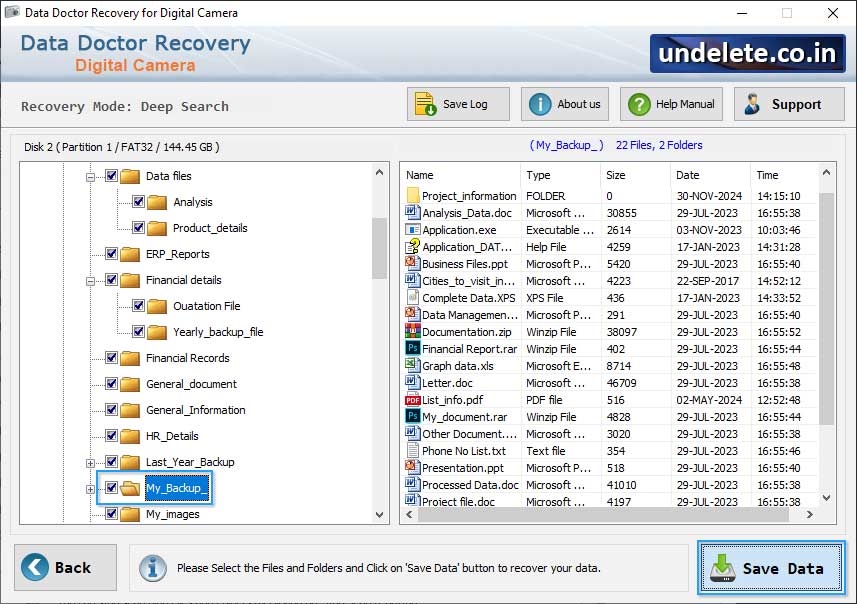
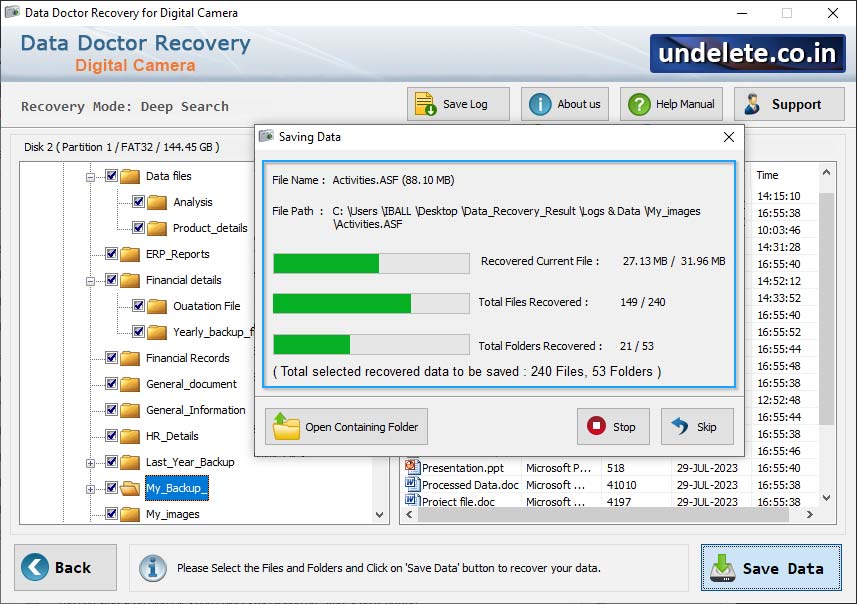
Click on "Save Data" button to save recoverd lost data from the partition.


