Home / Digital Pictures Recovery / Screenshots
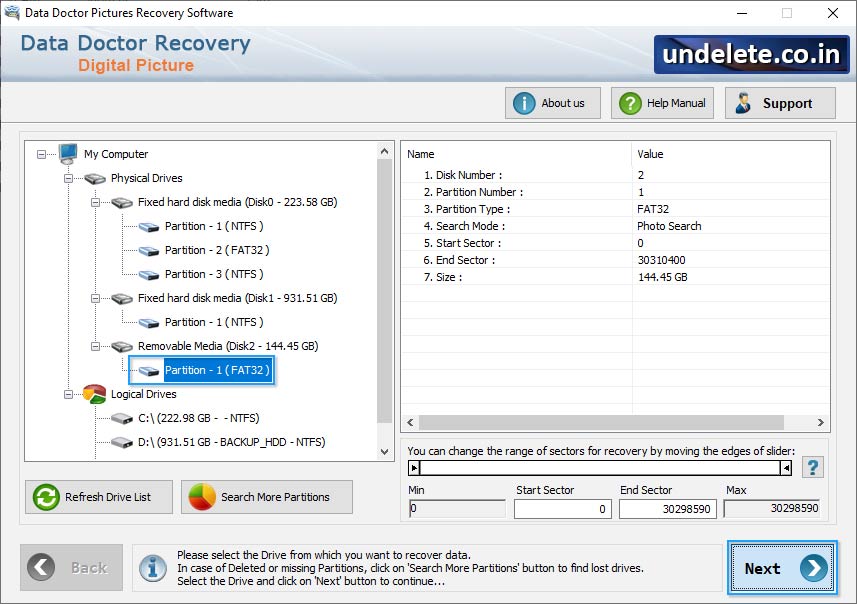
Select “Partition” from the left panel from which you want to retrieve data.
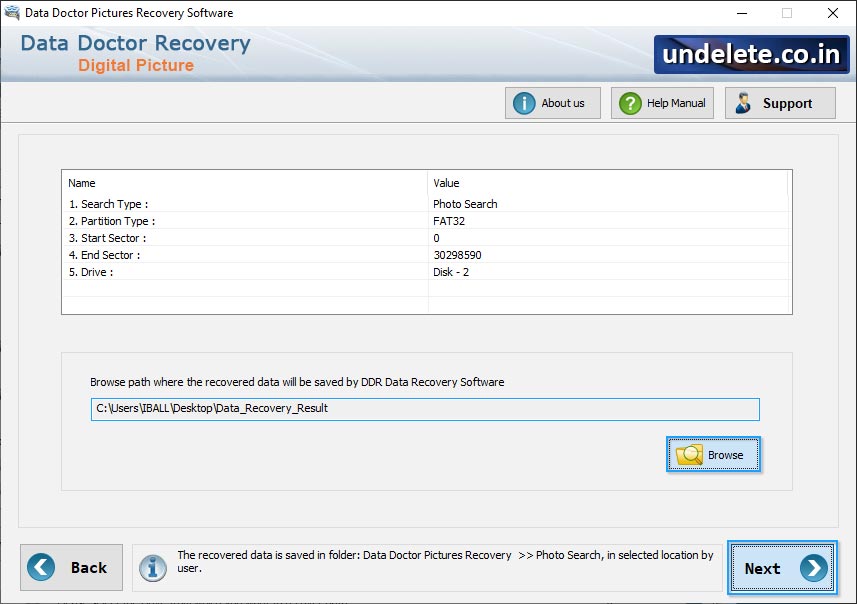
Browse the Destination path where the recovered files will be saved.
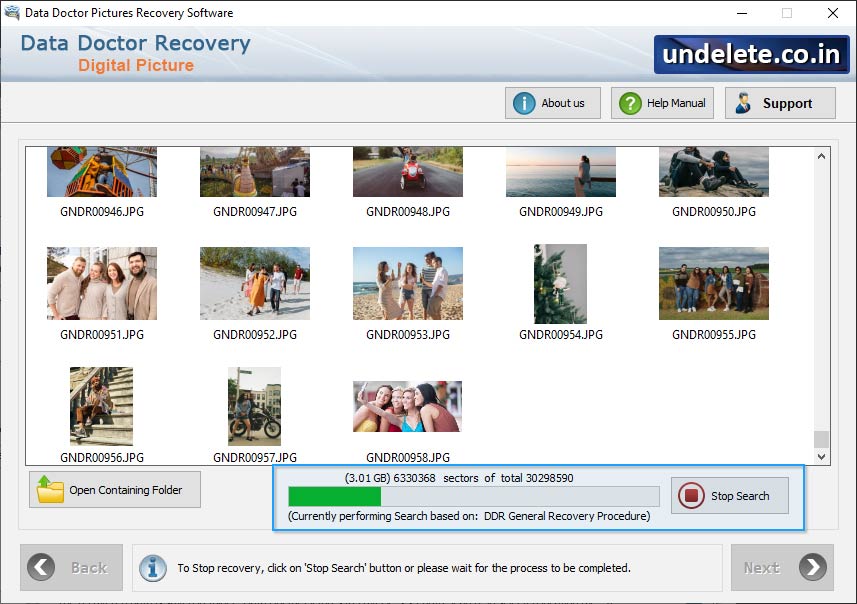
Wizard shows running status of partition searching process to search lost or deleted partitionss. You can use 'Stop' button to stop searching.
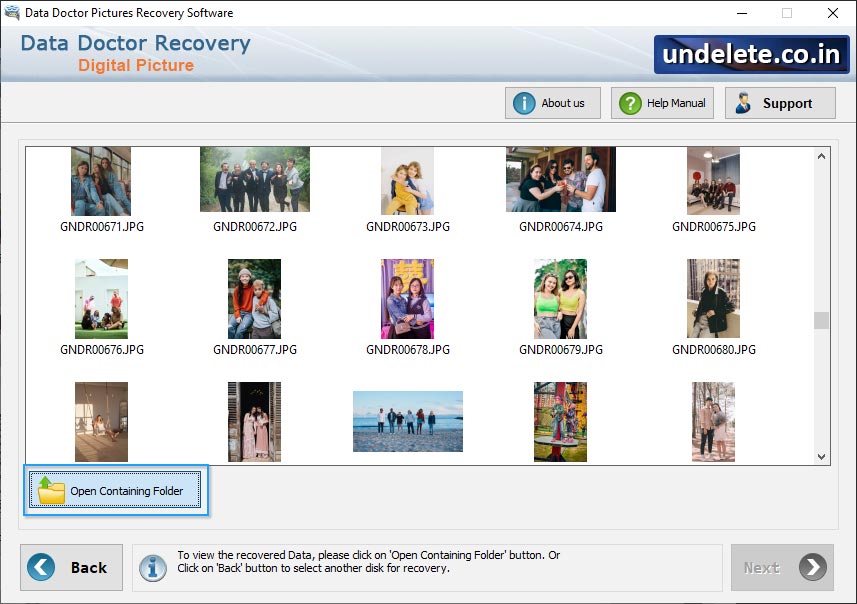
Once completing the searching process, the recovered files and folders will be displayed as shown in above screen.
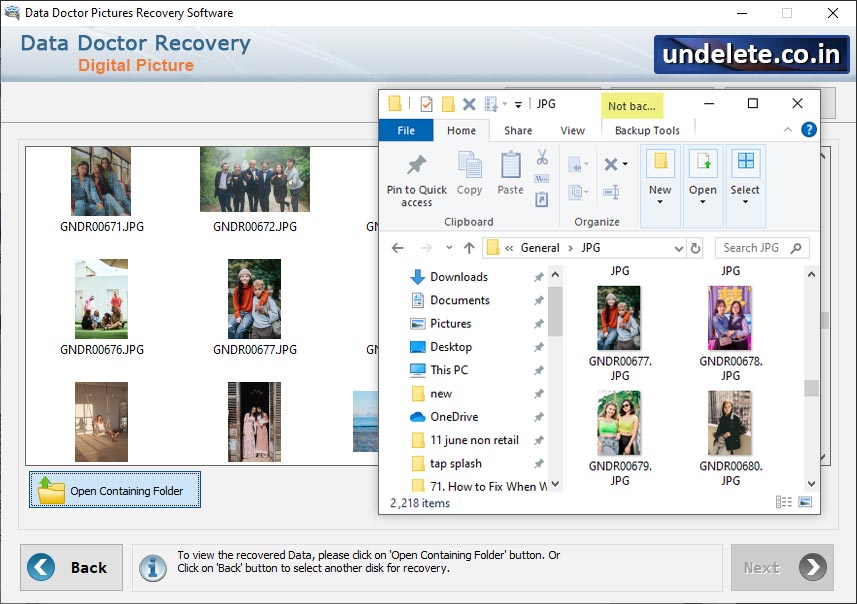
View he recovered files and folders, click on open containing folders.


