Home / Pen Drive Files Recovery / Screenshots
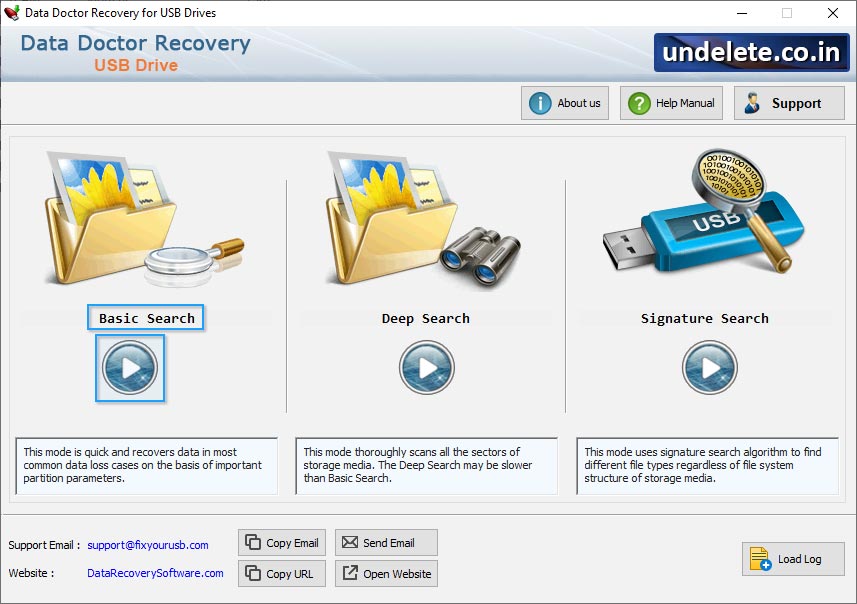
Select wizard mode like Basic search, Deep Search, Signature Search
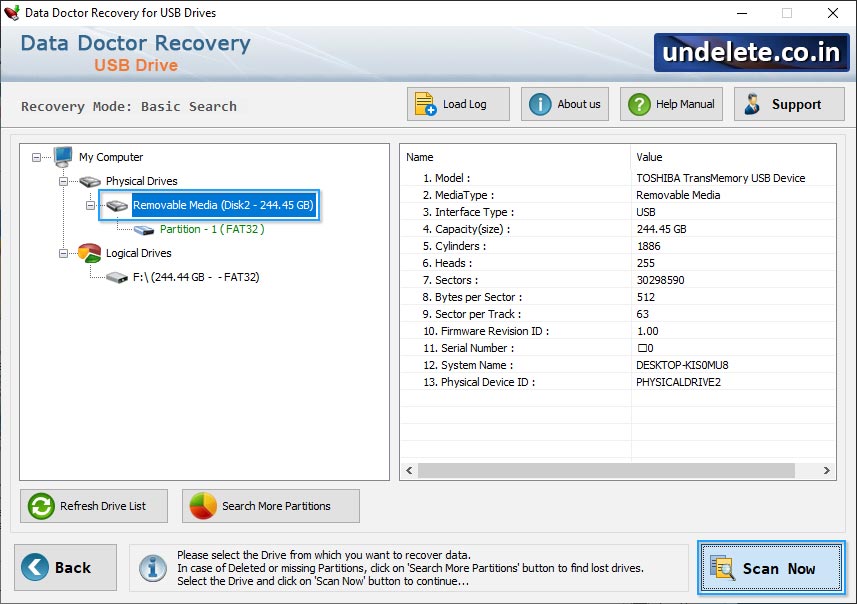
Select Partition from which you want to recover data. You can also change the range of sectors by moving the edges of slider.
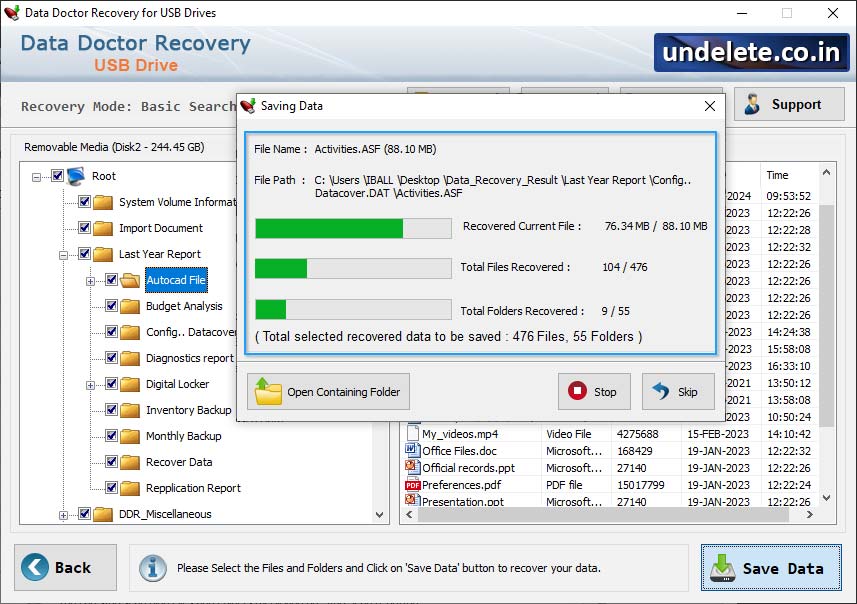
Browse path where the recovered data will be saved by Professional Recovery.
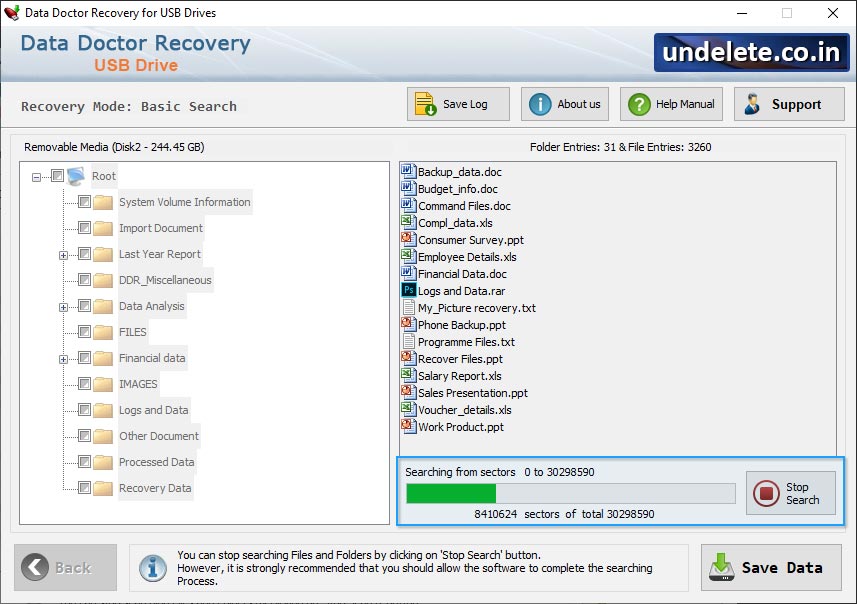
View progress status of running disk scanning process.
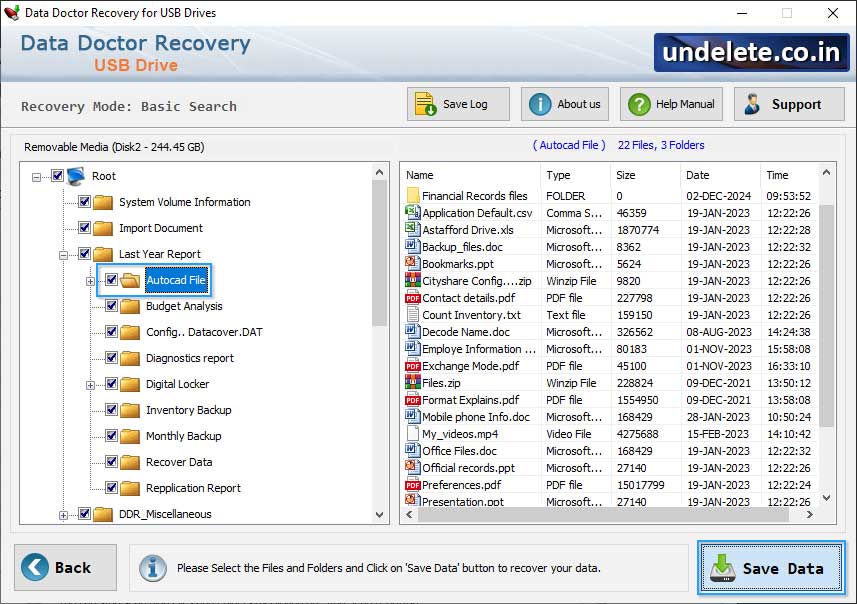
Click on "Save Data" to save all recovered data to pc.


