Home / Website Monitoring Software / Screenshots
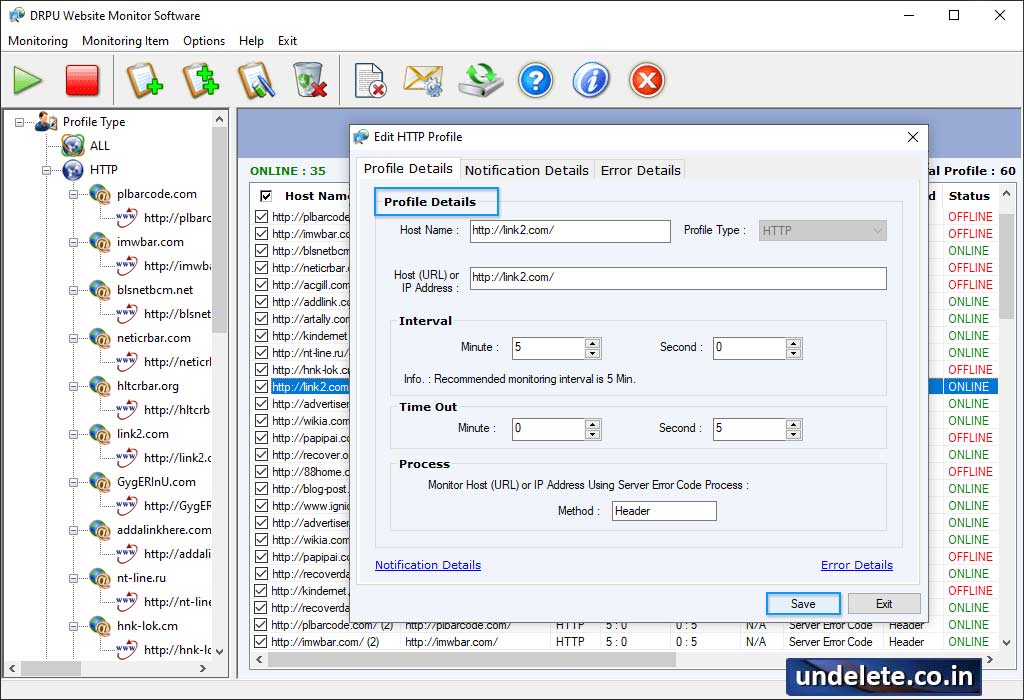
Here, wizard shows 'All Profile Minitoring View'.
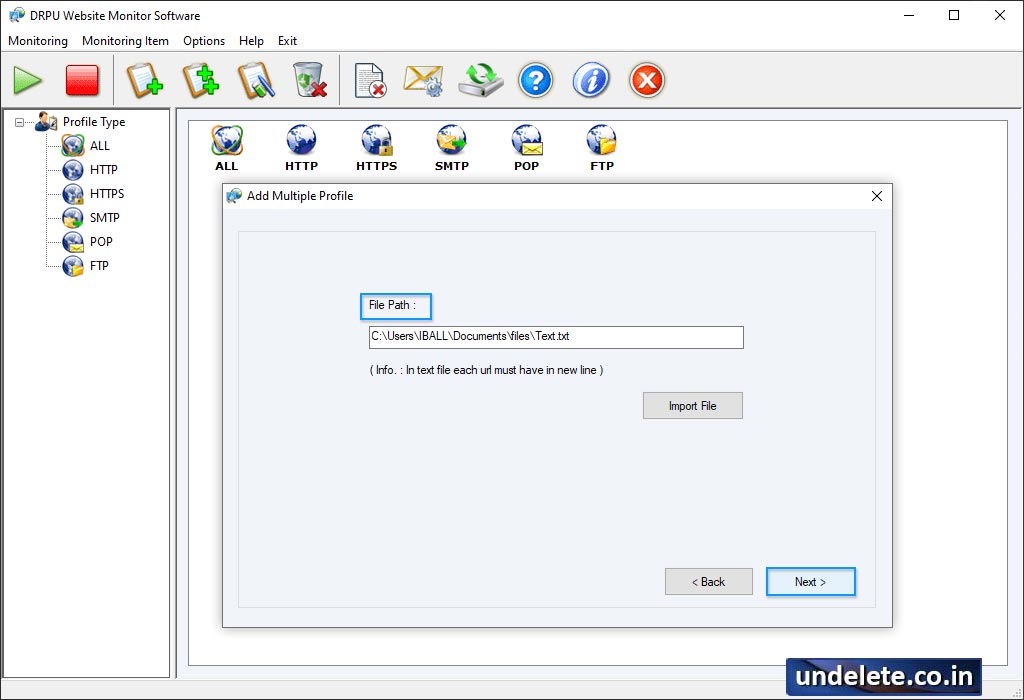
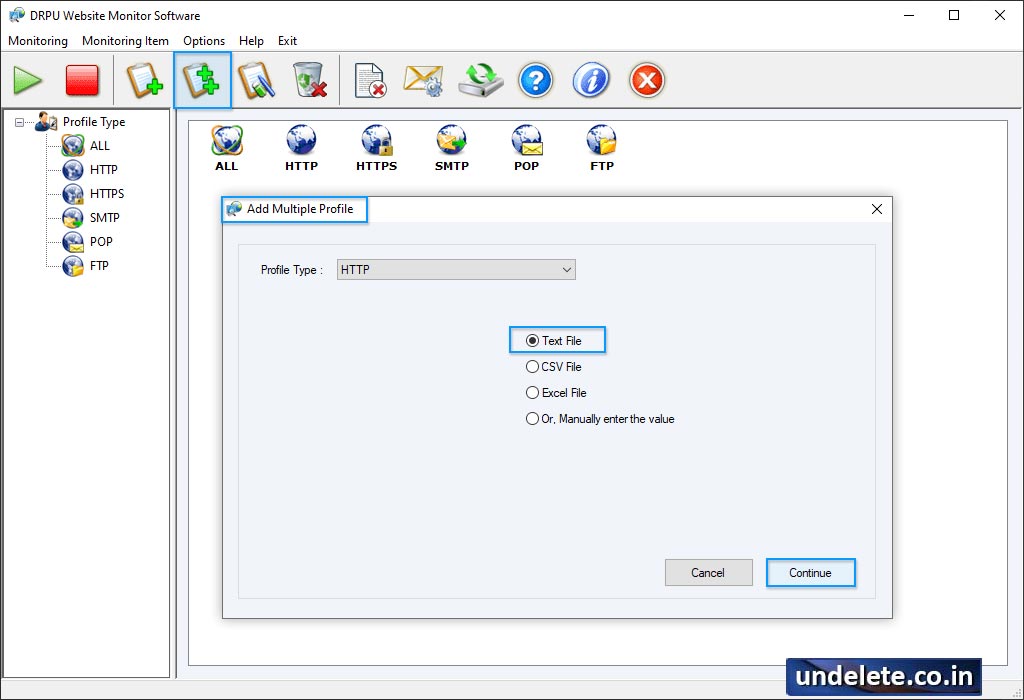
If you want to add more profile then click 'Add Profile' option.
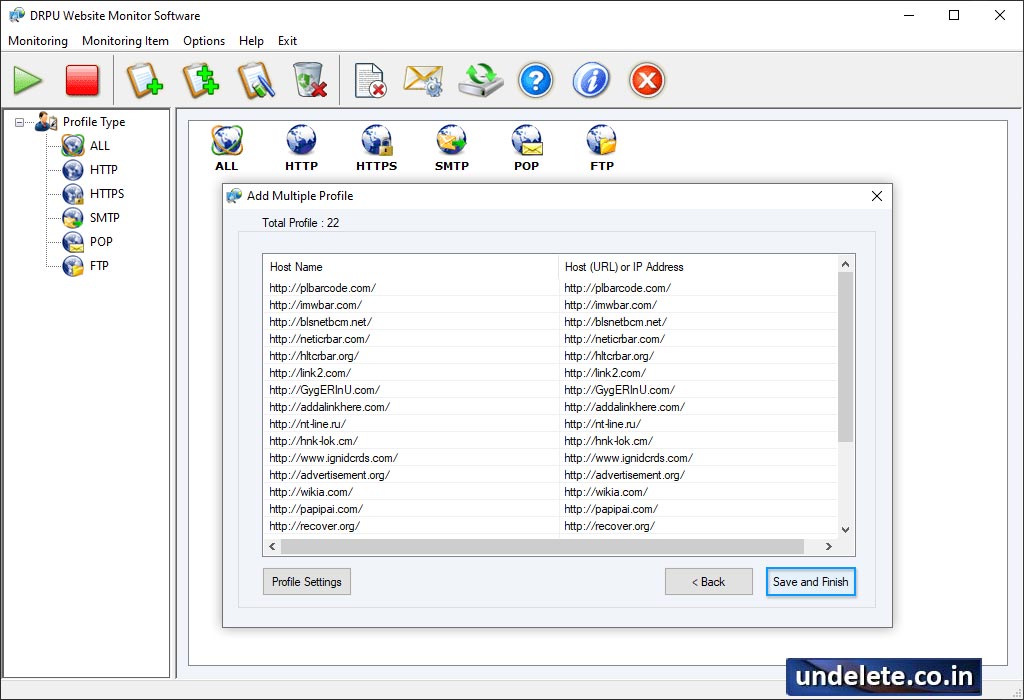
Add Multiple Profile "click " on Save and Finish button.
Select 'Profile Type' then choose any one option among 'All Error Log Records of Selected Profile Type' or 'Error Log Records between selected duration for Selected Profile Type'. Click 'Display Report' button to view log record.


